
Understanding the Shark CNC Router Table
CNC routing has gotten accessible enough that dedicated hobbyists and small shop owners can now run equipment that would have required a commercial facility a decade ago. As someone who evaluated several mid-range CNC router platforms before setting up a shop, I learned everything there is to know about what these machines actually deliver versus what the marketing suggests. Today, I will share it all with you — with a focus on the Shark CNC router table series.
What is a CNC Router Table?
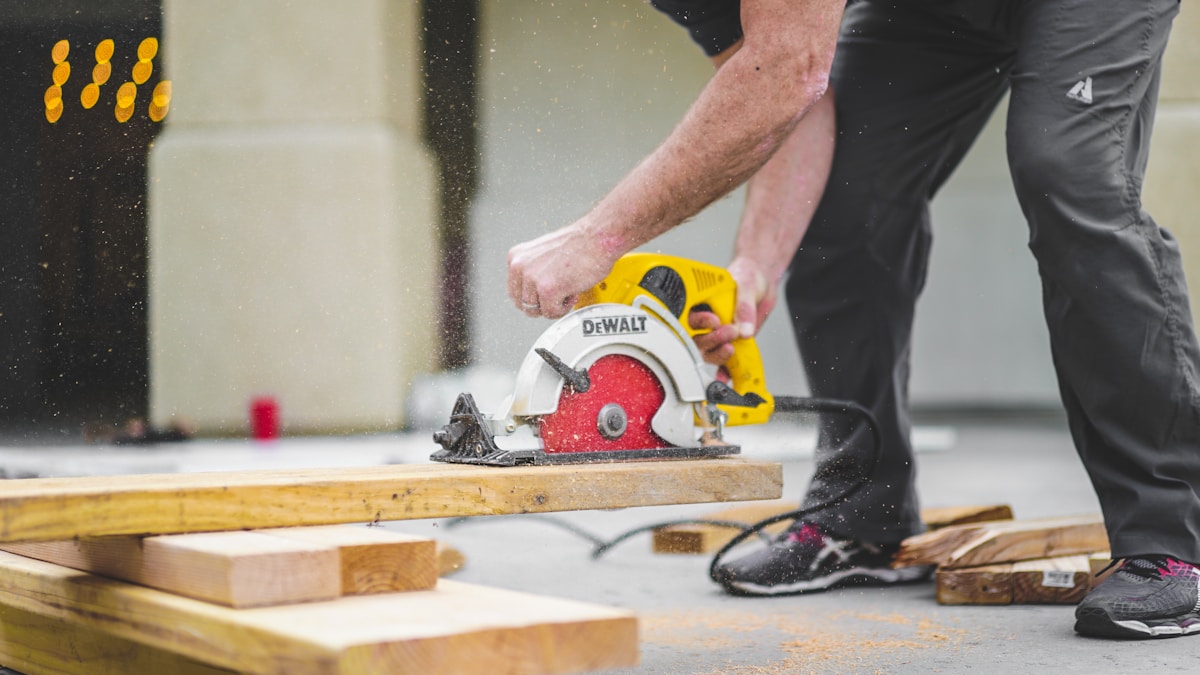
A CNC router table is a computer-controlled cutting machine that moves a router bit through X, Y, and Z axes to execute a digital design file as a physical cut. Unlike a handheld router, which requires human guidance and produces results limited by hand steadiness and skill, a CNC router follows the design geometry exactly — every pass, every time. The practical result is that complex profiles, repeating patterns, and precision inlay work that would take hours by hand execute in minutes, with every piece identical.
The Shark CNC Router Table
Shark CNC router tables, manufactured by Next Wave Automation, occupy the mid-tier of the CNC market — above hobby-grade desktop machines but below industrial production equipment. That positioning makes them appropriate for serious hobbyists, small custom furniture shops, and woodworking schools. The build quality is solid aluminum framing with linear guides, and the control system is straightforward enough to get functional with a reasonable learning investment.
Components of the Shark CNC Router Table
- Frame: Heavy-duty extruded aluminum. Rigid enough to minimize chatter during cuts, light enough to be garage-shop practical.
- Spindle: Variable speed router head compatible with standard 1/4-inch and 1/2-inch shank bits. Speed adjustment is important — different materials and bit types require different RPMs for clean cuts without burning.
- Control System: Shark Control software interprets the G-code toolpaths generated by your design software and executes them as stepper motor commands. Reliable and reasonably intuitive.
- Software: VCarve Pro is the most commonly bundled option — an industry-standard toolpath generation software with a large user community. Carveco is the alternative. Both produce high-quality toolpaths from imported vectors or the software’s own design tools.
Benefits of Using the Shark CNC Router Table
Precision and repeatability are the core value propositions. A cut programmed once executes identically on every piece — something that requires exceptional skill to approach by hand and that no hand operation can truly replicate at volume. Carving, lettering, joinery templates, inlay profiles, sign panels — all of these benefit from the consistency that CNC provides. The machine does not get tired or distracted; the tenth piece comes out as cleanly as the first.
Materials Compatible with Shark CNC Router Tables
Wood in all forms is the primary use case: hardwoods, softwoods, plywood, MDF, LVL. The Shark tables also handle plastics — HDPE, acrylic, PETG — and soft metals like aluminum with appropriate feeds and speeds. Foam is straightforward. Engraving into harder materials like steel is beyond the design intent of mid-range CNC routers and will damage the machine over time.
Setting Up Your Shark CNC Router Table
Assembly is documented in the manual and takes most users a full day. The critical setup step — and the one most beginners underestimate — is tramming the spindle square to the table surface. A spindle that is not perpendicular to the table produces cuts with slightly angled walls, which matters enormously for joinery work. Use a dial indicator in the collet to check squareness in both X and Y planes before cutting your first real piece.
Software setup comes next. Install VCarve or Carveco, configure the machine profile for your Shark model (the post-processor setting that translates toolpaths into the correct G-code dialect for the Shark control system), and run the included test files before attempting any original design work.
Popular Applications of Shark CNC Router Tables
Cabinet component production — door panels, face frames, raised panels — is one of the most productive uses for a mid-range CNC router. Set up the design once, run panels repeatedly, pull consistent parts. Sign work is equally well-suited. Decorative carving, relief panels, name boards, and dimensional letters all produce professional results with a properly calibrated machine. Furniture makers use CNC for template production, repeating leg profiles, and intricate inlay work that would otherwise require specialized manual skills to execute cleanly.
Maintenance Tips
Clean the linear guide rails and lead screws after every session. Wood dust is abrasive when it packs into the guide mechanisms, and accumulated debris accelerates wear on the sliding components. Lubrication schedule follows the manual — typically monthly for the lead screws and rails under regular use. Inspect the router bit collet for runout periodically; a worn collet causes bit deflection that degrades cut quality in ways that are easy to misdiagnose as software or material problems.
Upgrades and Accessories
A dust shoe — a vacuum attachment that collects chips at the router head — is probably the most impactful first upgrade. Without it, the shop fills with fine dust that coats everything and creates respiratory hazard. A spoilboard — a sacrificial MDF surface that bolts to the table and provides a consistent, known-flat clamping surface — is the second priority. Cutting into a spoilboard instead of the aluminum table surface protects the machine and simplifies workholding. Both upgrades should be budgeted into the initial purchase rather than added later.
Cost Considerations
Shark CNC router tables range from roughly $2,000 for entry models to $6,000 and above for the larger, more capable configurations. Software adds $700 to $1,500 for VCarve or Carveco depending on the version. Bits, workholding, dust collection, and a spoilboard add another $300 to $500 to the initial outfitting. Plan the full cost before committing to the entry price alone.
Safety Guidelines
The CNC router is a machine tool with a spinning cutter operating at high speed and force. Eye protection is mandatory. Hearing protection is necessary during extended cutting sessions. Never reach into the cutting envelope while the machine is running — the spindle does not know the difference between wood and fingers. Keep the workspace free of loose material that could shift into the toolpath during a job. Have emergency stop procedures memorized and the e-stop button accessible before starting any cut.



Stay in the loop
Get the latest wildlife research and conservation news delivered to your inbox.